See it in action
Swipe through real comparisons, from the first prompt to the final verdict.
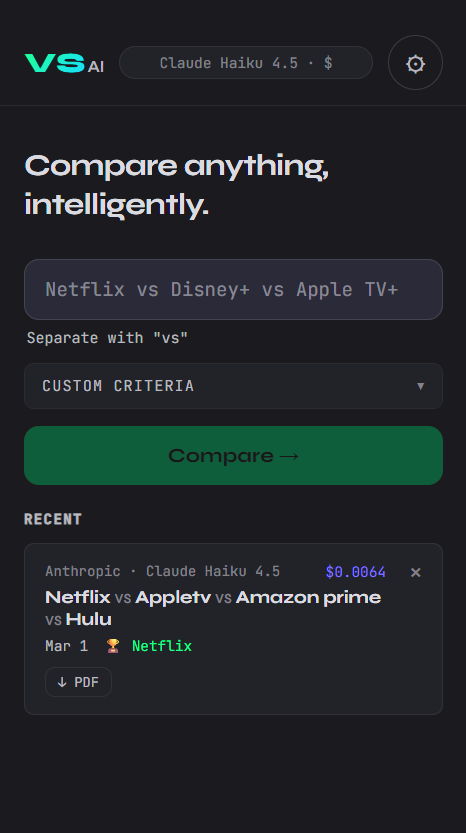
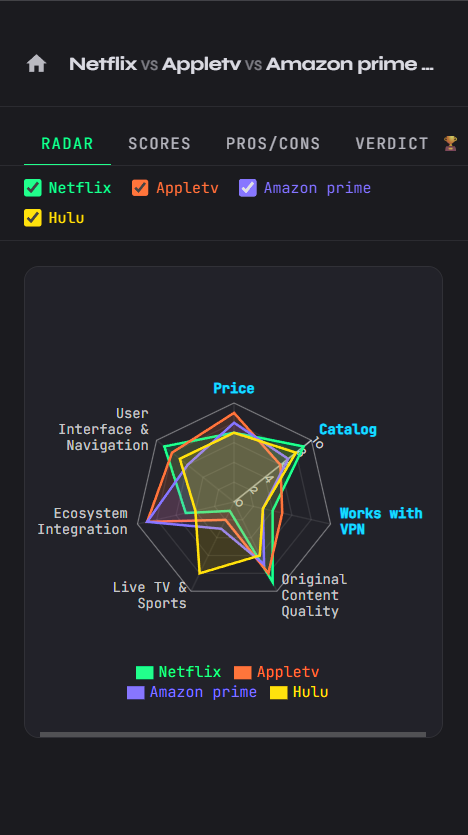
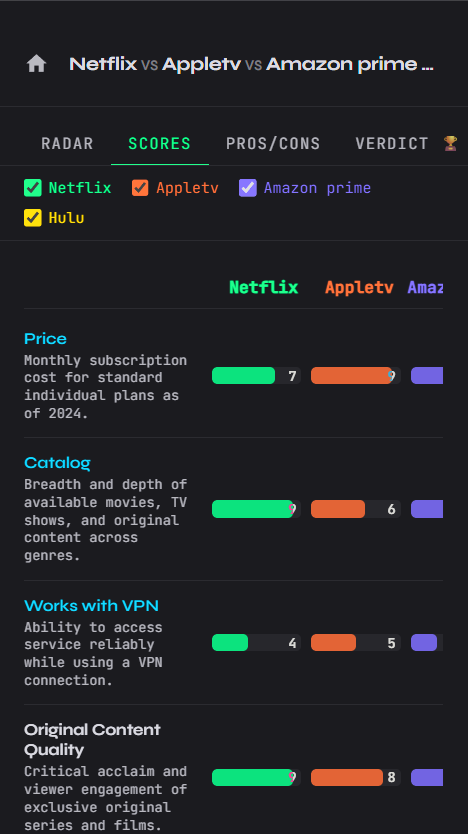
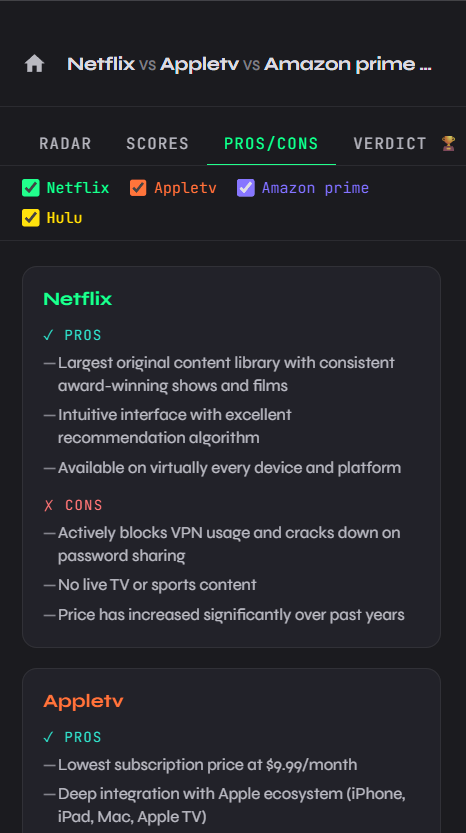
Type your comparison, choose an AI provider, and get radar, scores, pros and cons, plus a verdict - in seconds.
Four clear views for every comparison, powered by the AI provider you choose.
Visual overlay of all items across 5-8 criteria on a spider chart. Spot strengths and weaknesses at a glance.
Detailed criterion-by-criterion breakdown with numeric scores and color-coded bars for each item.
Structured list of advantages and drawbacks for every item compared, so nothing is overlooked.
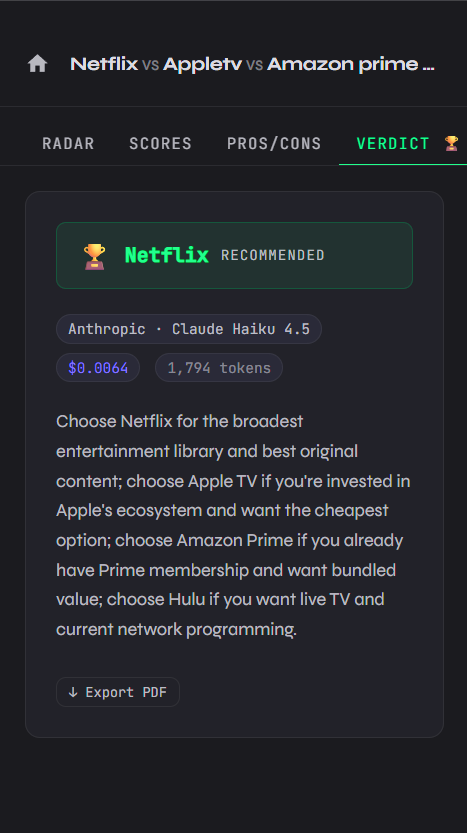
AI picks a winner and explains why - with token count and cost transparency for each comparison.
Set up to 8 scoring criteria first. The AI can add more to reach a total of 5 to 8.
Generate a full-page PDF with radar chart, scores, pros/cons and verdict - ready to share.
Swipe through real comparisons, from the first prompt to the final verdict.
Three steps. No account needed.
Add a key for OpenAI, Anthropic, Mistral or Google in Settings. It stays on your device.
Use vs as separator - for example React vs Vue vs Svelte.
Explore the radar, scores, pros and cons, and verdict. Export to PDF when needed.
Your data stays on your device. Here's what that means in practice.
No backend, no account - the app runs entirely on your device. There's no server collecting your data.
API keys stored locally - your provider keys are saved in your browser's localStorage, never transmitted anywhere except directly to the AI provider you chose.
No analytics, no telemetry - zero tracking scripts. No cookies. No fingerprinting.
Download the Android APK or open the web app in your browser - same core experience either way.
A question, a bug report, a suggestion? Drop a message.
Contact me ->